
Maulid Diba Lengkap
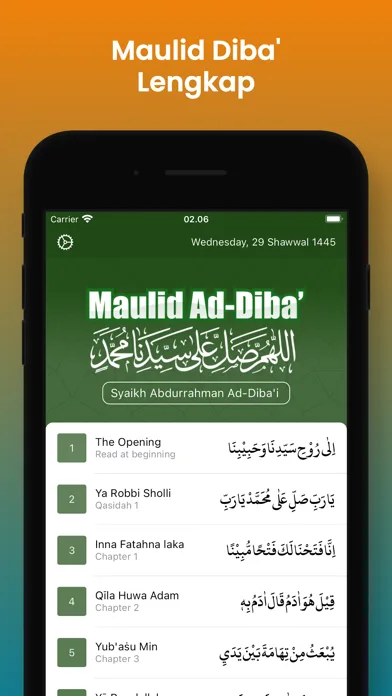
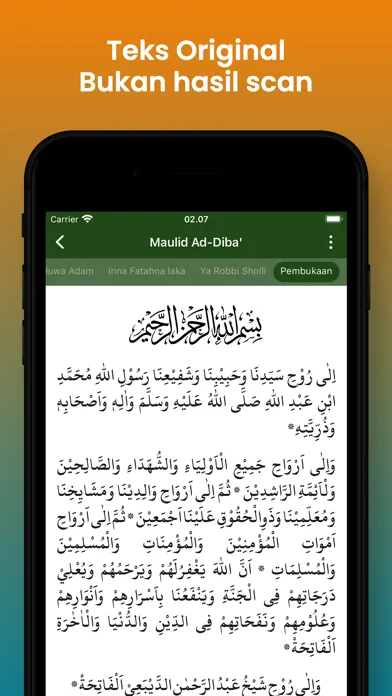
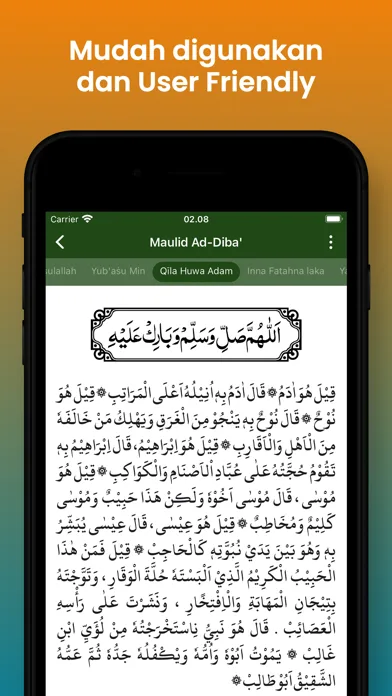
Mawlid Diba is an application that contains praise and poetry to commemorate the history of the Prophet Muhammad PBUH. Explore the beauty of the History of the Prophet in full with clear Arabic text and in-depth Indonesian translation.
- Note
- 4.8 (12)
- Téléchargements
- 100K+
- Version
- 1.0.8
- Mise à jour
- 10/11/2026
- Catégorie
- Mawlid et salawat
À propos de l'application
Mawlid Diba is an application that contains praise and poetry to commemorate the history of the Prophet Muhammad PBUH. Explore the beauty of the History of the Prophet in full with clear Arabic text and in-depth Indonesian translation.
Mawlid ad-Diba'i is a valuable source for honoring and glorifying the Prophet Muhammad PBUH through beautiful poetry and praise created by Al-Imam As-Sheikh Abdurrahman Ad-Diba'i. This is the right Apk to explore and experience the beauty of meaningful poetry that describes the greatness of Rasulullah PBUH.
Application Features:
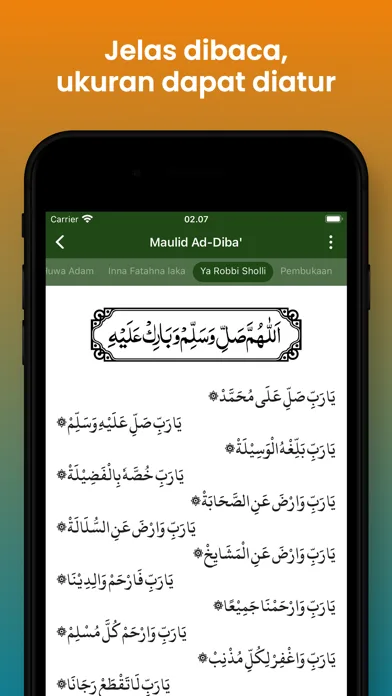
1. Changing Text Size
You can adjust the size of Arabic and Latin letters by clicking the three dots icon at the top right, then slide the slider to adjust the size of the letters.
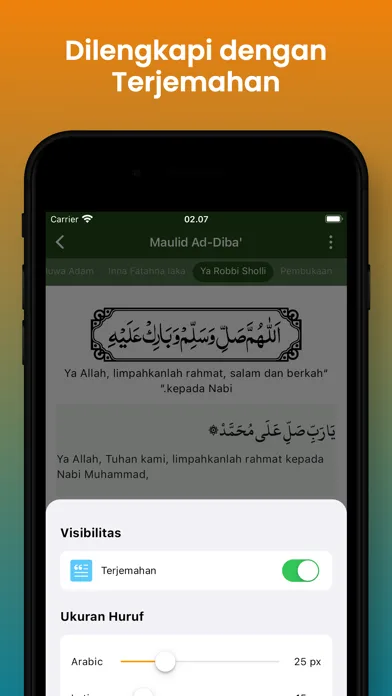
2. Translation
Allows you to display or hide translations, so that when reading Arabic writing it is as if you were reading the Koran without being separated by meaning. The way to show or hide translations is to click the three-dot icon at the top right, then switch the show/hide translation button.
3. Night Mode
Night Mode protects your eyes from too bright light when reading Rawi at night. The way to do this is by clicking the Night Mode switch on the Settings page
Mawlid ad-Diba'i is a valuable source for honoring and glorifying the Prophet Muhammad PBUH through beautiful poetry and praise created by Al-Imam As-Sheikh Abdurrahman Ad-Diba'i. This is the right Apk to explore and experience the beauty of meaningful poetry that describes the greatness of Rasulullah PBUH.
Application Features:
1. Changing Text Size
You can adjust the size of Arabic and Latin letters by clicking the three dots icon at the top right, then slide the slider to adjust the size of the letters.
2. Translation
Allows you to display or hide translations, so that when reading Arabic writing it is as if you were reading the Koran without being separated by meaning. The way to show or hide translations is to click the three-dot icon at the top right, then switch the show/hide translation button.
3. Night Mode
Night Mode protects your eyes from too bright light when reading Rawi at night. The way to do this is by clicking the Night Mode switch on the Settings page
Nouveautés
• New home screen: an animated sunset scene with a mosque, camels, and clouds.
• New "Continue Reading" card showing your reading progress. Your last position is no longer overwritten when you just open another section.
• The audio player now appears on every page, with a sleep timer, repeat modes, and playback speed.
• Audio keeps playing when the screen is locked or the app is in the background.
• Audio downloads continue even when the app is closed, and "Download all" resumes when you reopen the app.
• New Audio List: play, download, and delete each section's audio with ease. Swipe left to delete.
• Better layout on iPad, in both portrait and landscape.
• Fixed the Share menu on iPad, plus other small fixes.
• New "Continue Reading" card showing your reading progress. Your last position is no longer overwritten when you just open another section.
• The audio player now appears on every page, with a sleep timer, repeat modes, and playback speed.
• Audio keeps playing when the screen is locked or the app is in the background.
• Audio downloads continue even when the app is closed, and "Download all" resumes when you reopen the app.
• New Audio List: play, download, and delete each section's audio with ease. Swipe left to delete.
• Better layout on iPad, in both portrait and landscape.
• Fixed the Share menu on iPad, plus other small fixes.